Original panels

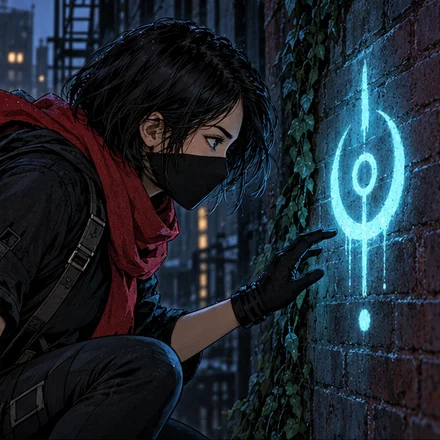


Panels ready
Your editable clip
Clips for comic creators
KomaClip turns your panels into one editable clip. Make it yours and share it.
Joining the list does not start your beta. We invite creators in groups.
50 free credits to create clips when you activate your invitation
Your editable clip
Bring each panel to life
Choose an effect and see how your scene comes to life.
Your story, your pace
Change the camera, add an effect, and connect one panel to the next.
Words in motion
Choose a subtitle or speech bubble and see it appear over your panel.
Your comic's soundtrack
Explore music across genres and preview tracks before choosing.
Tracks from the editor library
And many more in the editor
Play the clips with their music. These are real KomaClip exports.
How KomaClip works
KomaClip reads your scenes, adapts their rhythm and prepares an editable clip. Text is optional.
It finds visible details, actions, and areas to keep clear before suggesting an edit.
It times scenes for the artwork and any text to read, then prepares an editable clip you can refine in the editor.
The KomaClip editor
Refine the edit, then export your clip to share.

The private beta
Bring your own panels, try the tools and help us improve them before launch.
Turn comic panels and illustrations into an editable vertical clip, ready to share on social media.
Yes. Adjust scenes, framing, cameras, effects, transitions, text and music. The generated clip is your starting point.
Join with your email and confirm it from the message we send. We invite creators in groups. Joining the list does not activate access; you will receive a separate invitation.
No. Your invitation includes free access and credits to try clip creation. There are no charges for taking part in this beta.
Creating a clip and some assisted animations use credits. You see the cost before confirming. During your active beta, manual editing and exports use no credits.
No. If you tell us what works or where you get stuck, you will help us improve KomaClip. You can try it without sending feedback.
Join the list and confirm your email. We will let you know when you can activate your invitation.
Joining the list does not start your beta. We invite creators in groups.
50 free credits to create clips when you activate your invitation